Android app

Calendar Transfer
Copy, export or back up a calendar between accounts, or to an .ics file.
Move a calendar from one account to another without leaving your phone: Samsung to Google, Outlook to Google, an old local calendar to a new one. Useful when a calendar app has no export of its own, which is the case with Samsung Calendar.
Get it on Google PlayHow it works
Free to try. One payment unlocks the rest. No subscription, no adverts. Light and dark. Android 8 and later.
How it works
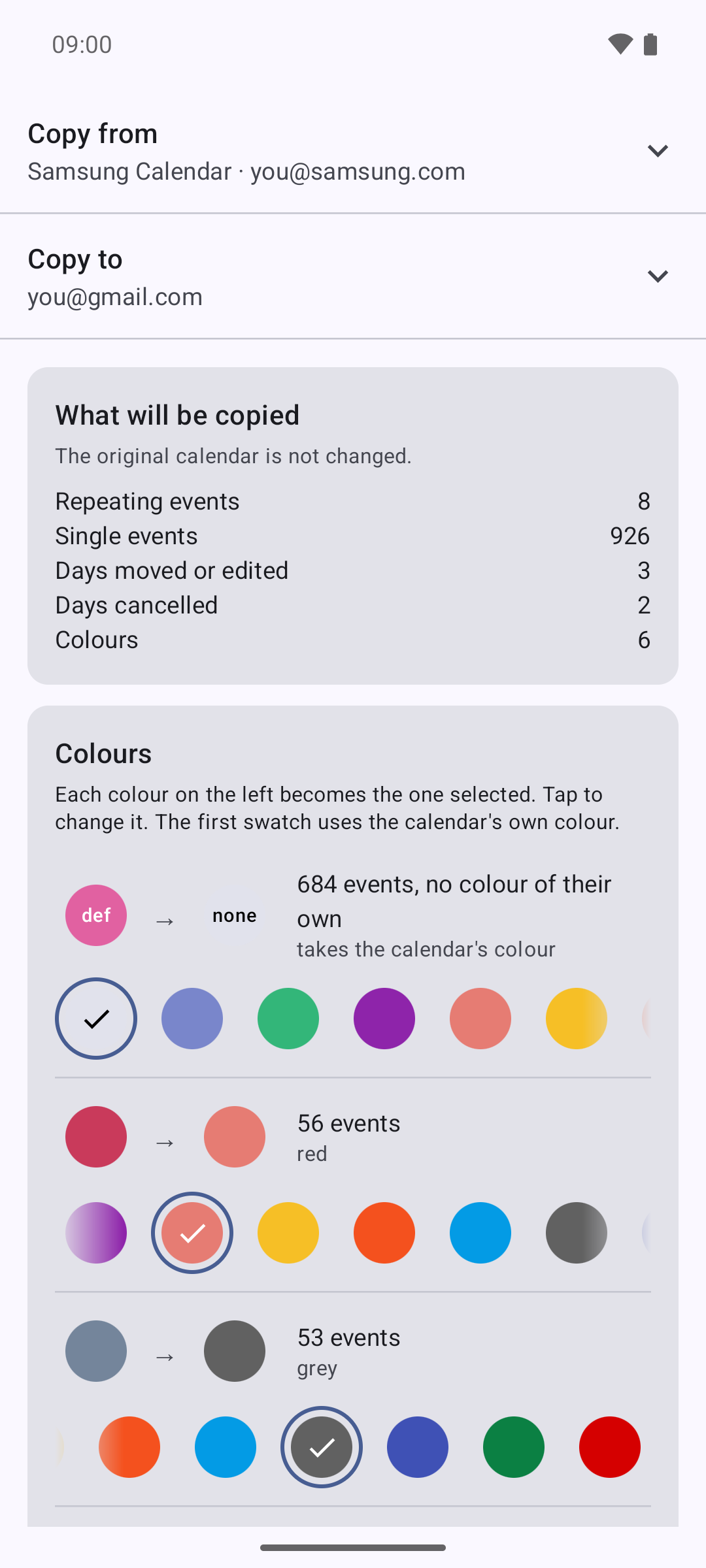
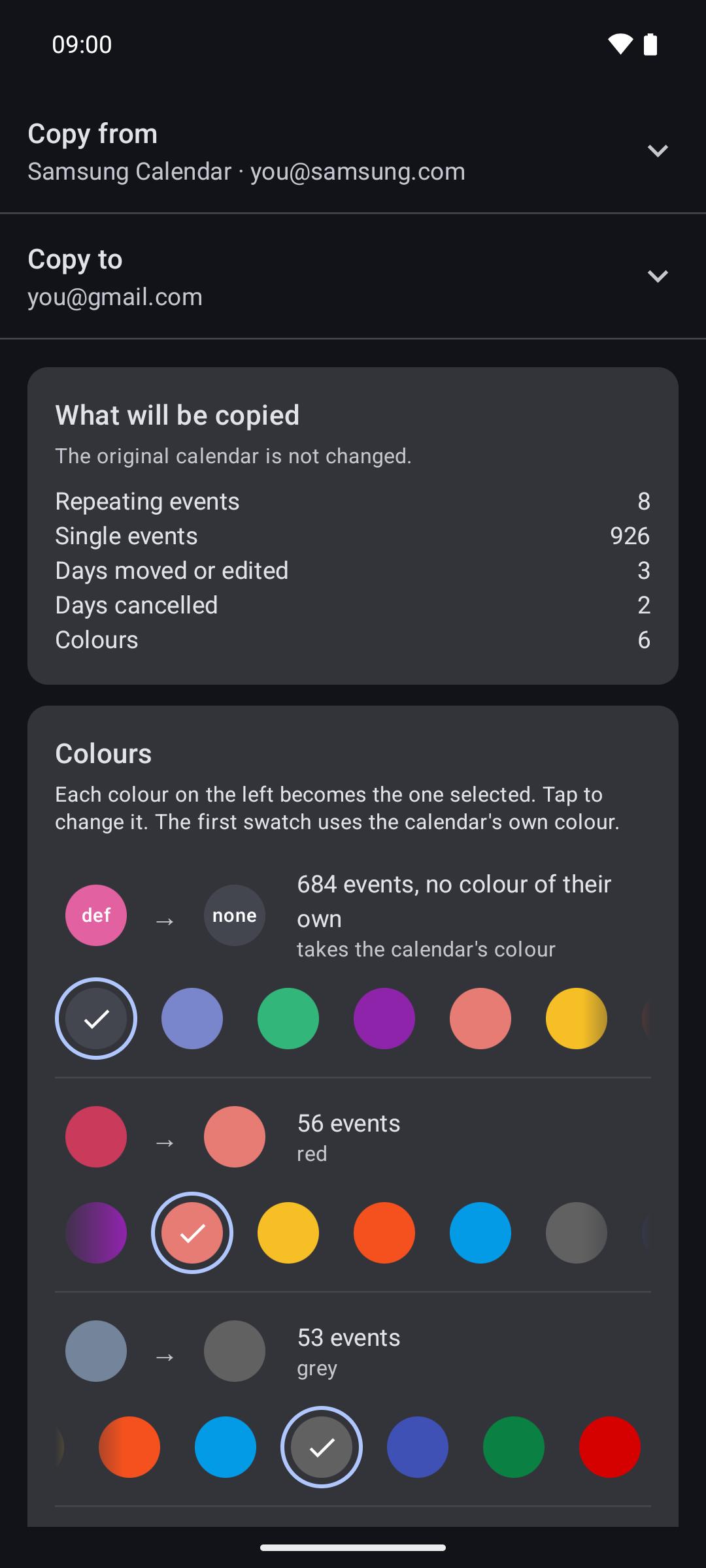
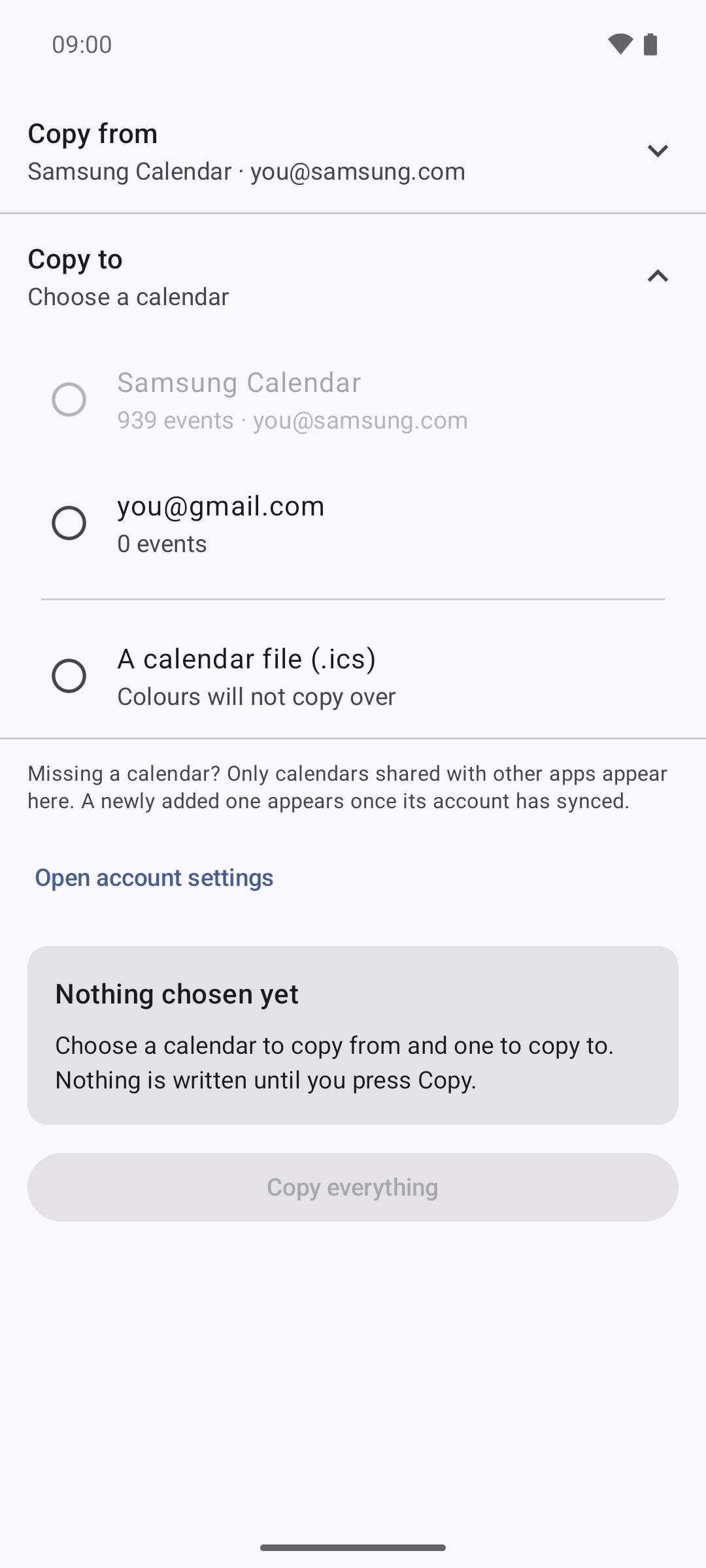
Move your calendar to your new phone
Copies between the calendars already on the phone.
See what will be copied, before anything is
Nothing is written until you tap Copy.
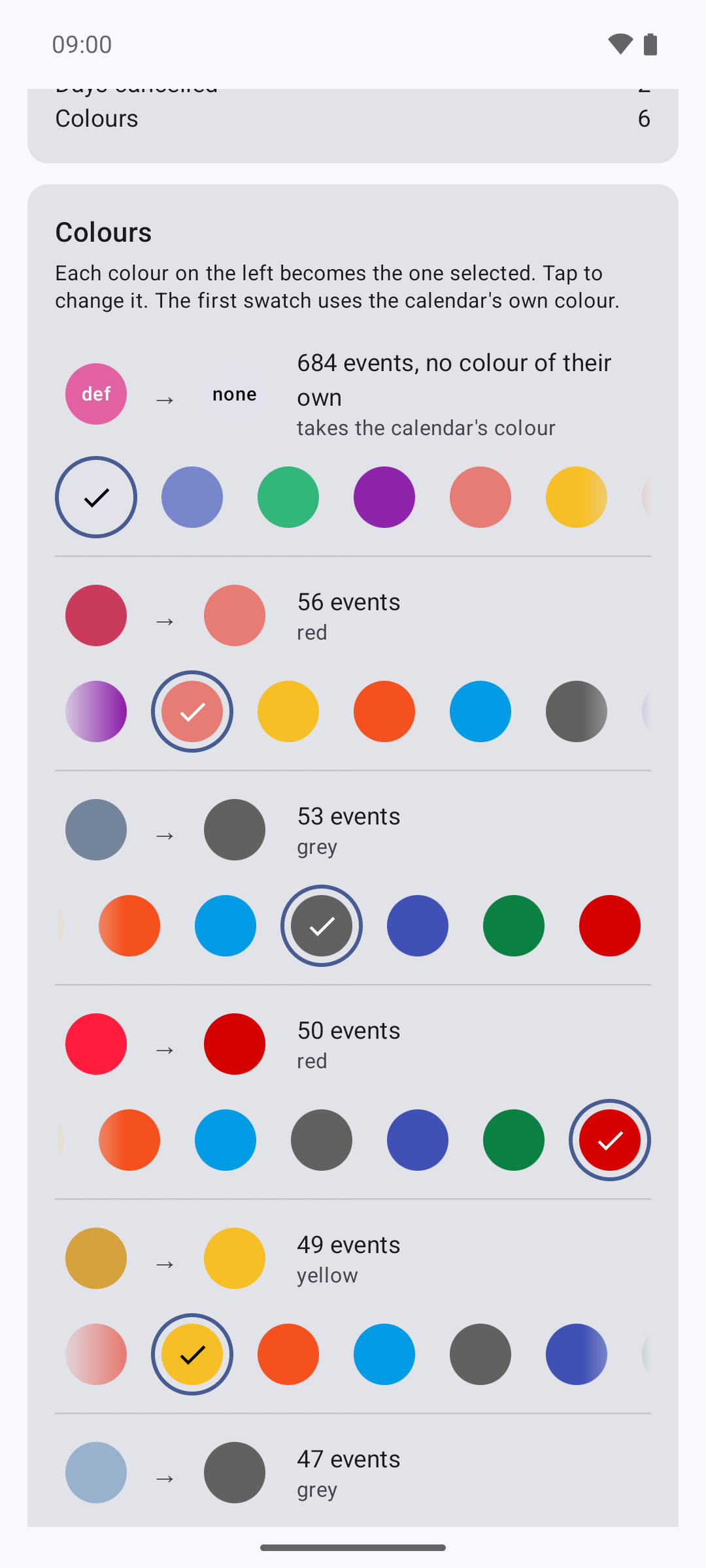
Colours matched to the new calendar
Each colour mapped to the closest one available.
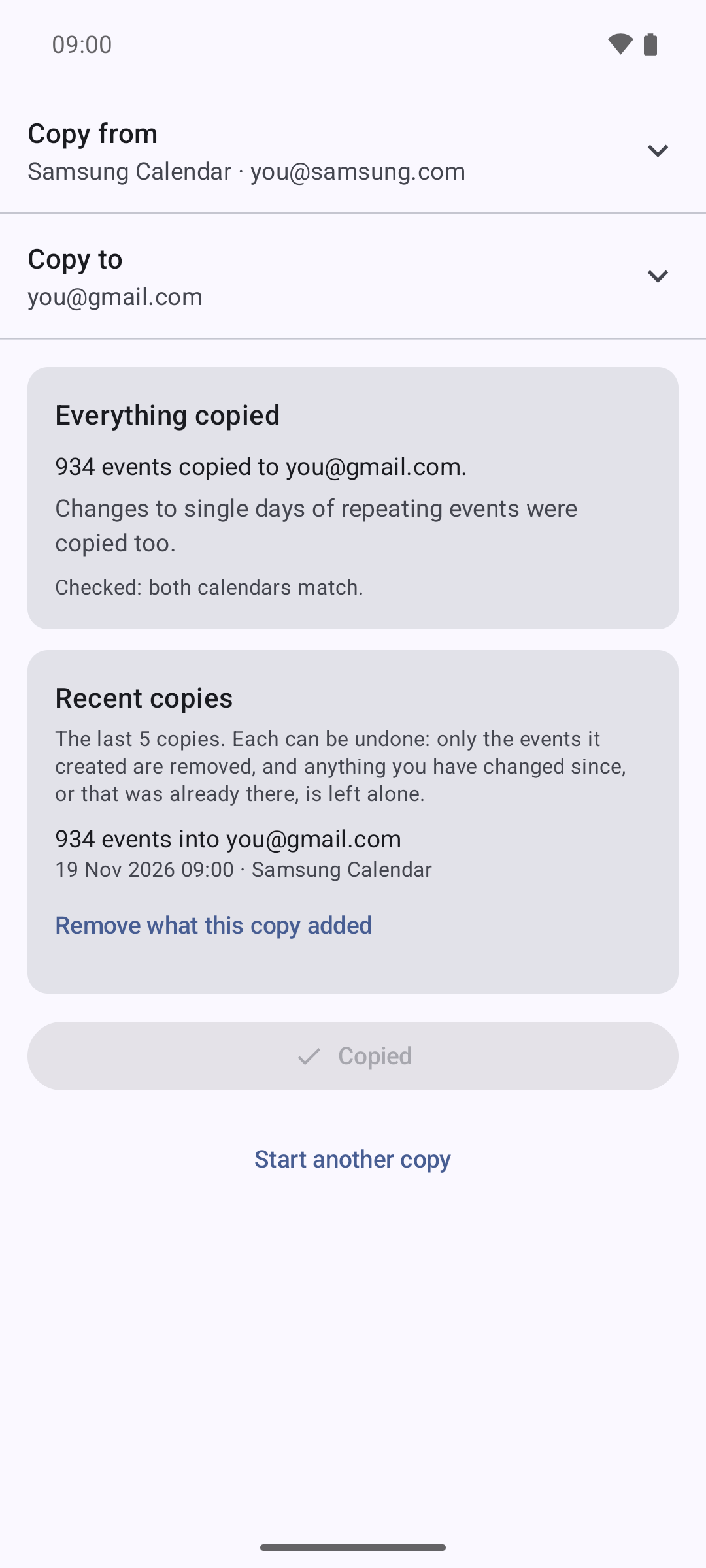
Checked afterwards
Both calendars compared once the copy is done.
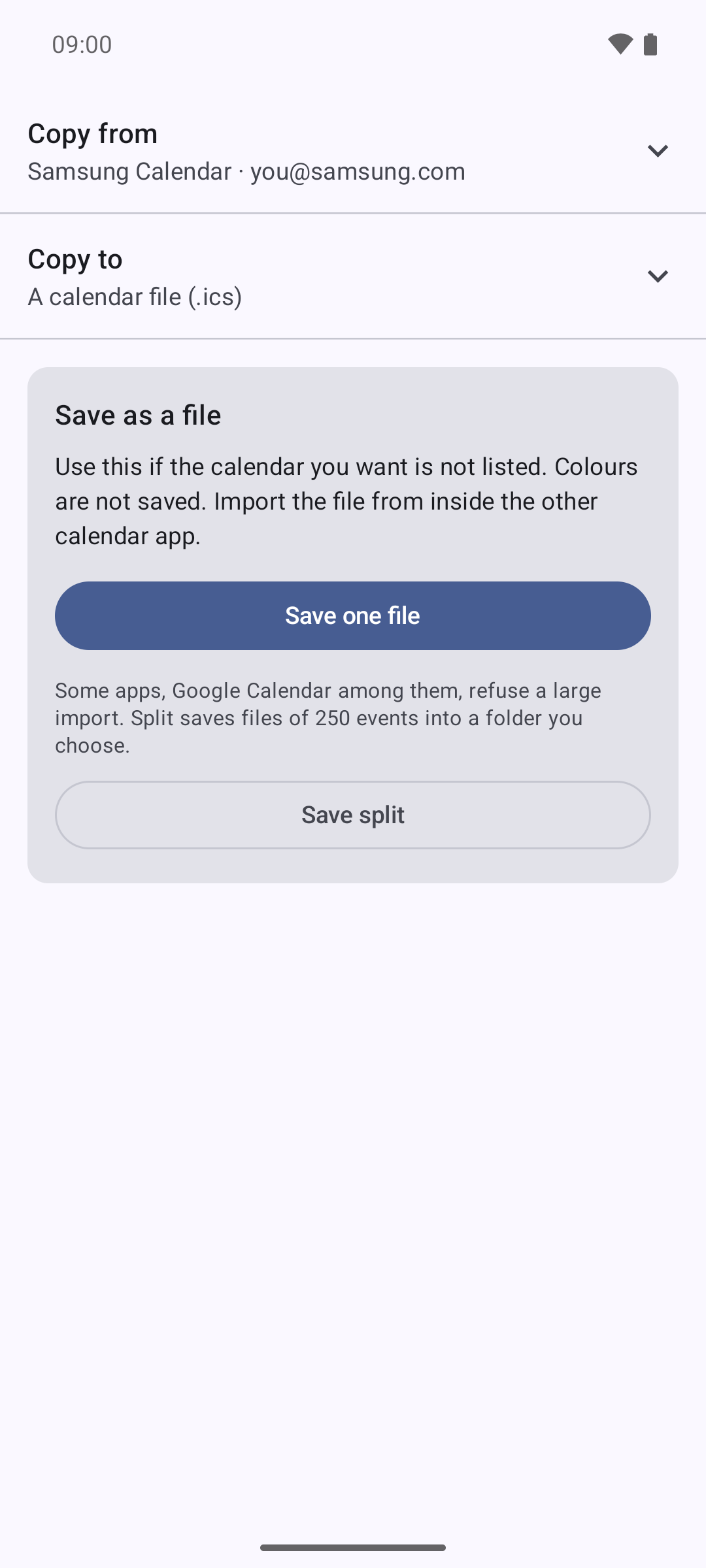
Or save it as a file
Every event, for any calendar app.
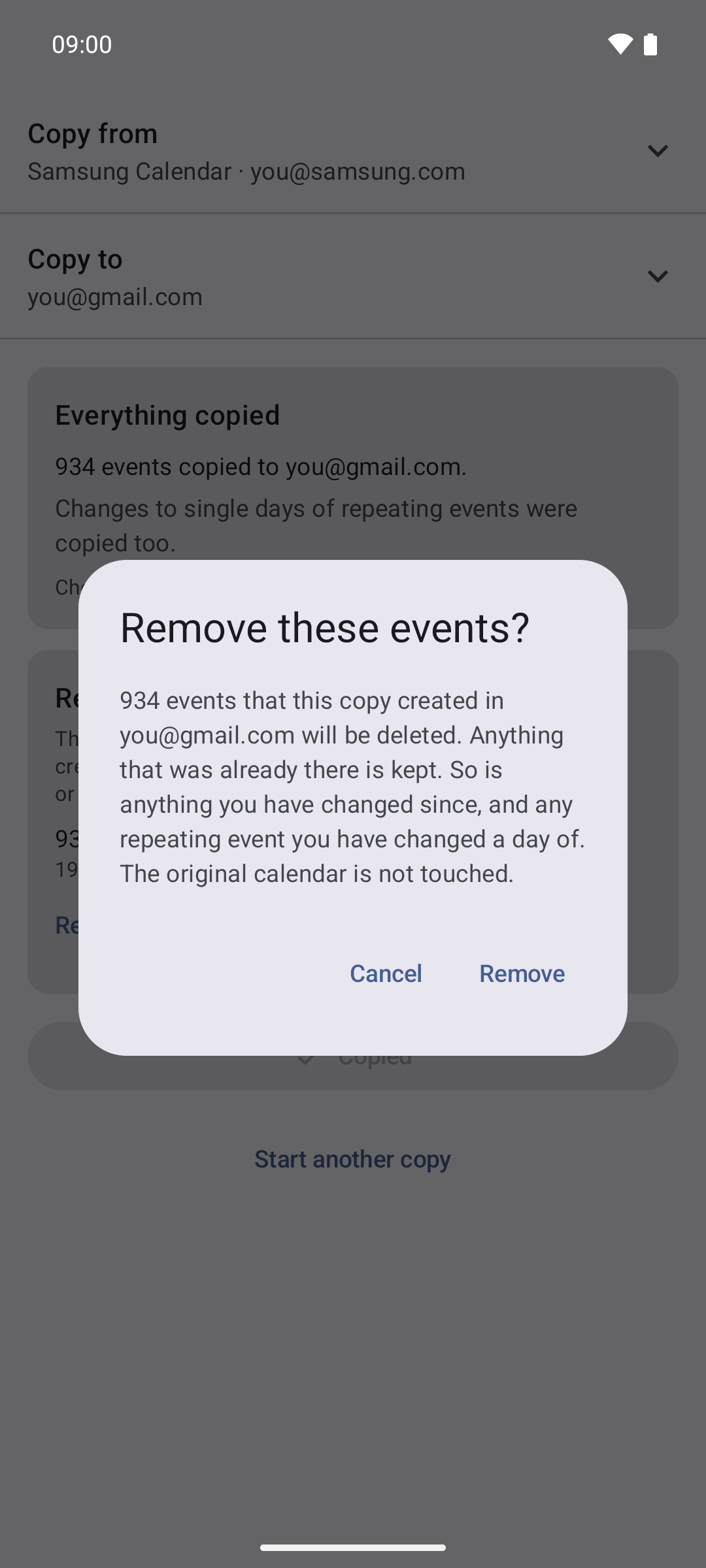
Changed your mind?
Every copy can be undone, and only what it added goes.
It handles the parts that usually break.
People call this a calendar export, a calendar backup, or a calendar migration. It is all three, all on the phone, with nothing uploaded.
- Repeating events keep repeating.
- Occasions you edited stay edited, and ones you deleted stay deleted.
- Colours come across, and you can change how each one maps before anything is written.
- After every run it checks itself, comparing both calendars occurrence by occurrence, and tells you whether everything arrived.
- Every copy can be undone: one tap removes exactly the events it added, and nothing else.
Questions people ask
- Does my calendar leave my phone?
- No. Everything happens on your phone. Your events are read from one calendar and written to another; nothing is uploaded, and there is no account to create.
- Can it move a Samsung calendar to Google Calendar?
- Yes. Samsung to Google, Outlook to Google, or an old local calendar to a new one. It is useful when a calendar app has no export of its own, which is the case with Samsung Calendar.
- Can it export a calendar to an .ics file?
- Yes. Saving a calendar to an .ics file is free and complete, with no limit. Google Calendar will not import a large file in one go; unlocking adds a split into files it accepts.
- What does it cost?
- Copying straight into another calendar starts free: the first 50 events go across, chosen from the weeks around today and including a repeating event with its changed dates, so you can see it working before deciding whether to buy. One payment unlocks the rest. No subscription, no adverts.
- Which calendars does it work with?
- The calendars your phone syncs and shares between apps. Encrypted calendar apps such as Proton Calendar keep theirs private, so they cannot be read directly; copy into an account they import from instead.
- Does it have a dark mode?
- Yes. It follows your phone: light when the phone is light, dark when it is dark. On Android 12 and later it also takes its colours from your wallpaper.
- Can I undo a copy?
- Yes. Every copy can be undone: one tap removes exactly the events it added, and nothing else.
Move your calendar to your new phone.
Get it on Google PlayPrivacy policy
In English, German and French.